Farm management software

A farm management system for farmers that runs the whole farm from the phone

A farm management system for farmers that brings plots, work orders, fleet, schedule and costs into one app. Not only spraying: the day's agricultural work, from the field and the office.

Plannter is a farm management system for farmers and for the suppliers and contractors who work with them. The farmer sees the plots and opens a work order. The supplier receives it, books a machine and updates status. Both sides work on the same record, instead of a notebook or a chat thread.

What a farm management system for farmers is

A farm management system for farmers is software that holds the farm's daily work in one place: plots, work orders, machines, a schedule, costs and inventory. Instead of splitting facts across a notebook, a WhatsApp thread and a spreadsheet, you see the same state from the phone and the browser.

A grower runs several kinds of work in the same week: soil prep, sowing or planting, fertiliser, irrigation, spraying, harvest, moves between plots and field repairs. A supplier or contractor runs a fleet, customers and invoices on those jobs. If that lives only in memory or in chat, it is hard to know what was done on which plot, who is due tomorrow, and what the job actually cost.

A farm management system does not have to be a heavy ERP. It should answer simple questions: where is the work, who is doing it, what is the status, and what is the plot history. An app that works on the phone matters because most decisions happen in the field, not at an office desk.

Good farm software also connects both sides when a supplier is involved: the farmer opens a work order, the supplier confirms and schedules, and both see the same document. Without that you go back to the phone and to I thought you cancelled.
What a farm management system should include

Before you pick software, check that it covers the work itself, not one module. The list fits a vegetable farm, an orchard, a field crop, or a contractor who works for several growers.

Plots and a GIS map

Each plot needs a name or number, a crop, an area and a boundary on the map. Without a map it is hard to tell a supplier where to go, and hard to see what happened in that area last season. A live GIS map also shows where machines are now.

Live plot map on the homepage

Work and spray orders with suppliers

One order should hold the plot, the job type, the material or task, the area, the date and a field contact. That is true for spraying, and also for fertiliser, prep, harvest or any job you book with a supplier. Both sides see status on the same order.

Spray ordering in the app

Tractor and fleet GPS

When several machines are out, you need to see each tractor, vehicle, plane or drone. Live GPS on the plot map cuts where are you calls. A schedule per tool and operator completes the picture.

Tractor and fleet management

Work schedule

A daily or weekly board shows what is booked, what is open and what moved. Without a schedule the day lives only in the head of whoever coordinated the morning. Weather changes should sit on the same order.

Finance and costs

After the job you still need to know what it cost. The system should attach cost to the work: material, hours, supplier, and a customer balance for a contractor. Closing the month in a separate spreadsheet is how gaps show up late.

Inventory of materials

Spray products, fertiliser and parts run out in the field. Simple stock that updates with the order stops a supplier arriving without product, or a grower finding an empty shed on the morning of the job.

Customers for contractors

A contractor who works with several farms needs a customer card: who ordered, what was done, what was paid. That card should live in the same system as the order, not in a third notebook.

Supplier and contractor system

History and a spray log

Every job should be stored per plot: date, material or task, dose, who did it and status. That is the base of a spray log, an audit, and the next plan.

Spray journal: what to record

AI assistant

When many orders are open, it is slow to ask each time what is still open or what left the store. An assistant inside the system answers from data you already have, without a new chat thread.

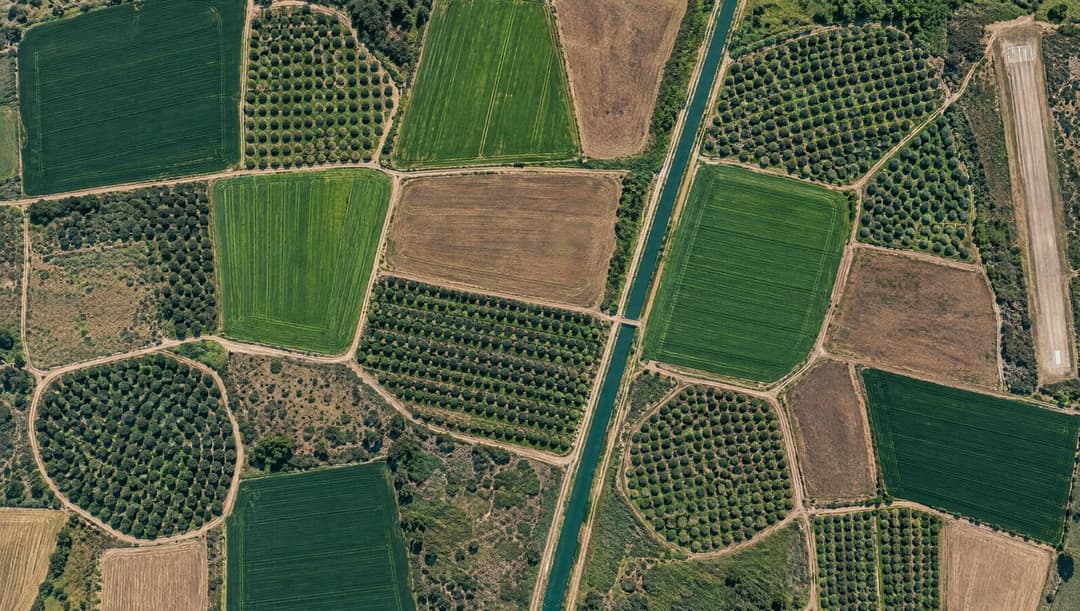
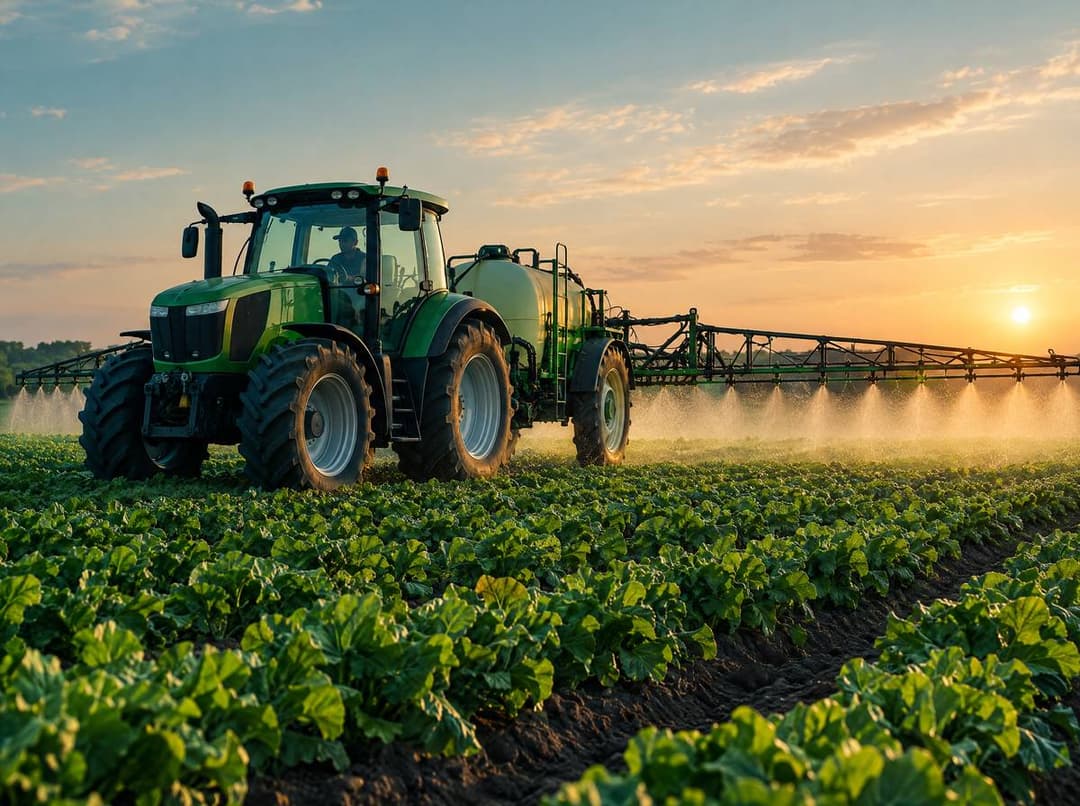
Farm plot map with boundaries and machines in the fieldTractor and sprayer in a field

Notebook, WhatsApp, spreadsheet, or a farm management system

Most farms already manage something. The question is whether the tool holds coordination, execution and a record. The table compares what happens in practice.

Notebook, WhatsApp, spreadsheet, or a farm management systemNotebookWhatsAppSpreadsheetFarm system
Where the facts liveIn a pocket, if it stayed dryScattered in threadsIn an office fileOn the order and the plot
Job statusNone, unless you wrote itYou have to askUpdated at day end, if at allThe supplier updates, everyone sees it
History per plotUnsorted pagesBuried in the chatRows with no mapSaved on every plot
Supplier coordinationA separate callEach side remembers it differentlyThe supplier never sees the fileOne document for both sides
Fleet and GPSNoneA one-off location pinNo link to the fieldMachines on the plot map
CostsInvoices in a folderA photo in the threadA month-end totalCost next to the job
Phone accessOnly if you brought itYes, with no structureUsually not in the fieldApp and browser
Finding it a month laterFlipping pagesSearch in a long chatFilter if someone filled the rowBy plot, date or supplier

How to choose a farm management system

Do not choose from a slide deck. Check whether the software serves the day in the field.

  • You can see plots on a map, not only as a list of names.
  • A work order is shared with the supplier, including a date change.
  • There is GPS and a schedule per machine, not only a tractor name.
  • History is stored per plot, including a spray log you can show.
  • Finance and inventory sit next to the job, not in a separate file.
  • You can run jobs that are not spraying: prep, fertiliser, harvest and repairs.
  • There is a trial with no credit card, so you test it on real work.
  • It works on the phone in the field, not only on an office computer.
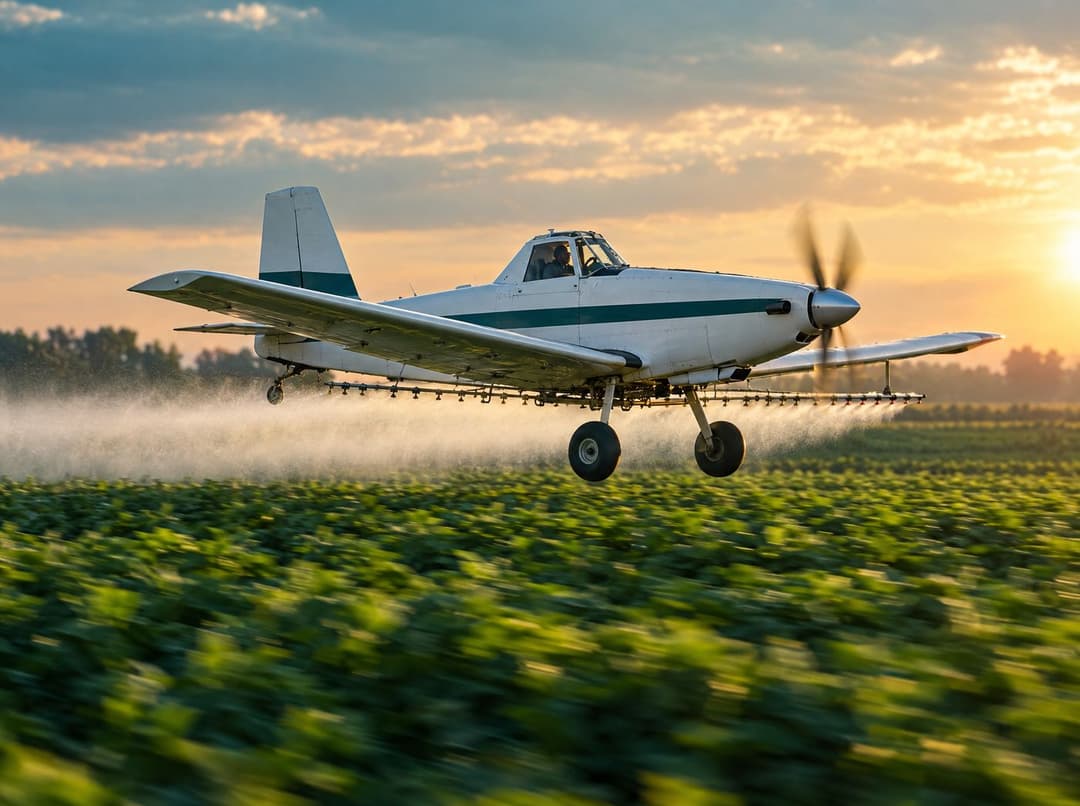
Aerial spray work over a field

For farmers, and for suppliers and contractors

For farmers

A farmer needs a system to run the farm: know what is happening on each plot, book work without searching a thread, and keep history. The Plannter farm app opens the order, follows status and records what was done on the plot.

Farm app

For suppliers and contractors

A supplier or contractor needs the same system from the other side: receive orders, book the fleet, update status and manage customer balances. When both sides share one record, there are fewer calls and fewer mismatches.

Supplier system
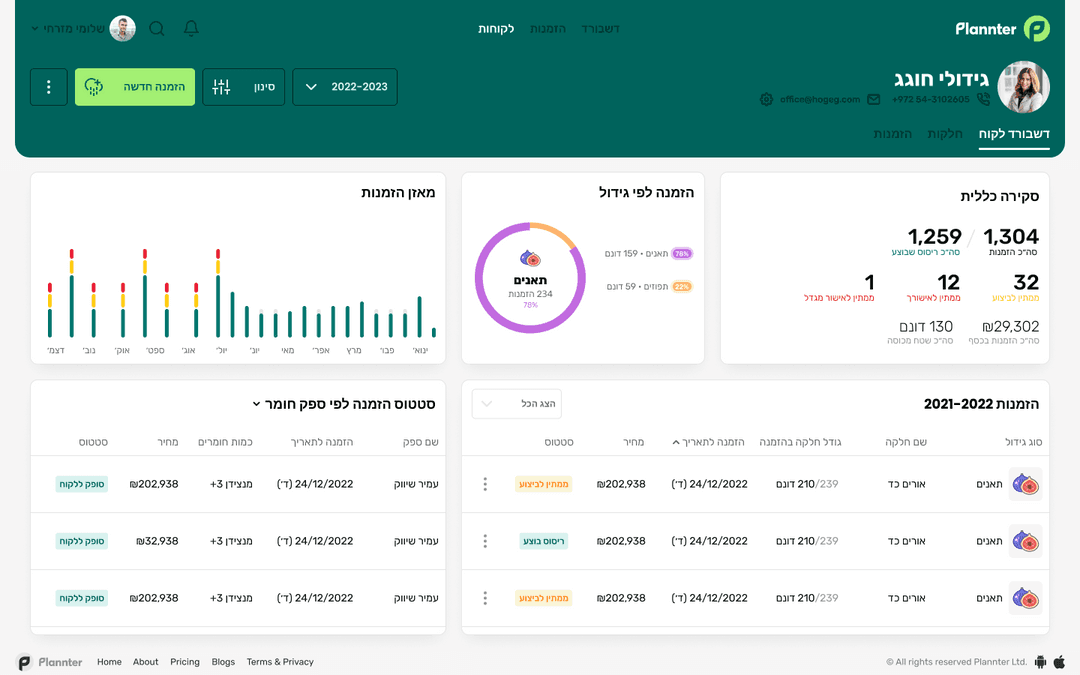
Plannter order management screen

How to start: a 30-day trial

You do not need a long rollout to try a farm management system. Download the app or open it in the browser, start a 30-day trial with no credit card, set up plots and invite the suppliers you already work with.

Start with the next job, not with all of history at once. If you have data in another system, you can import it. After the trial a subscription depends on use, with details in the app. If you still coordinate on WhatsApp, read why that thread breaks, then open the next order in the system.

FAQ

Questions about a farm management system for farmers

What is a farm management system for farmers?

Software that holds farm work in one place: plots and a map, work orders with suppliers, fleet GPS, a schedule, costs, inventory and history per plot. In Plannter that sits in one app for farmers and suppliers.

How is it different from a spreadsheet or WhatsApp?

WhatsApp sends a message. A spreadsheet summarises after the fact. A farm management system keeps live status, the map and the record on the same order, so you are not searching a week later for what was agreed.

Is it only for spraying?

No. Spraying is one job. The same frame fits prep, fertiliser, harvest, moves and field repairs, as long as there is a plot, a crew and a date. Spray ordering is a clear example, not the whole product.

Is it for farmers, or also for suppliers?

Both. The farmer manages plots and books work. The supplier or contractor receives the job, books the fleet and manages customers. If only one side is in the system, you go back to the phone.

What should I check before I choose farm software?

A map, a shared order, GPS and a schedule, history per plot, costs and stock next to the job, and a trial with no card. If most of those are missing, you have a task list, not a farm management system.

How do I start with Plannter?

A 30-day trial with no credit card, from the app or the browser. Set up plots, invite a supplier, and open the next job. You can also import data from another system.

Start the farm management system in Plannter

30-day trial. No credit card.